



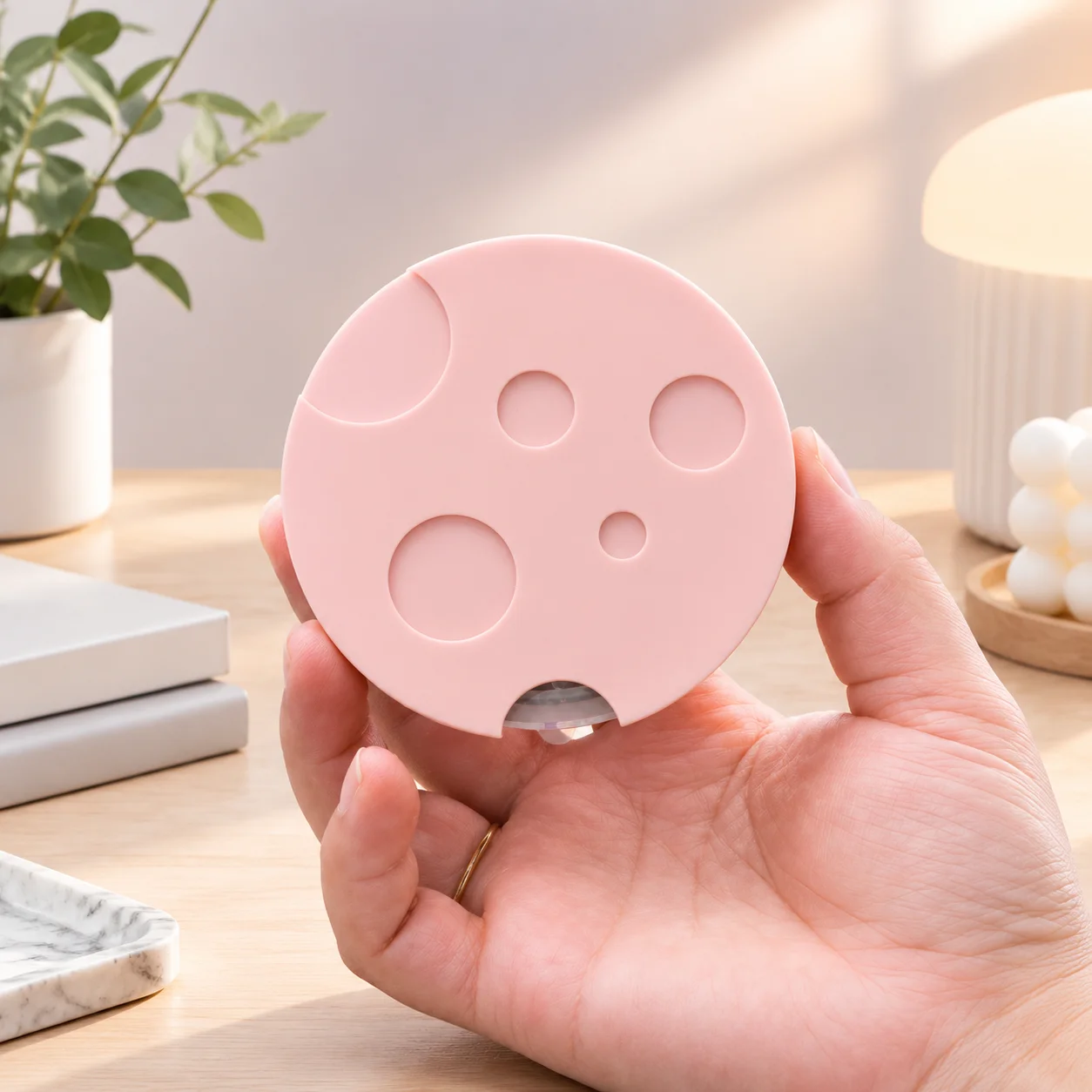
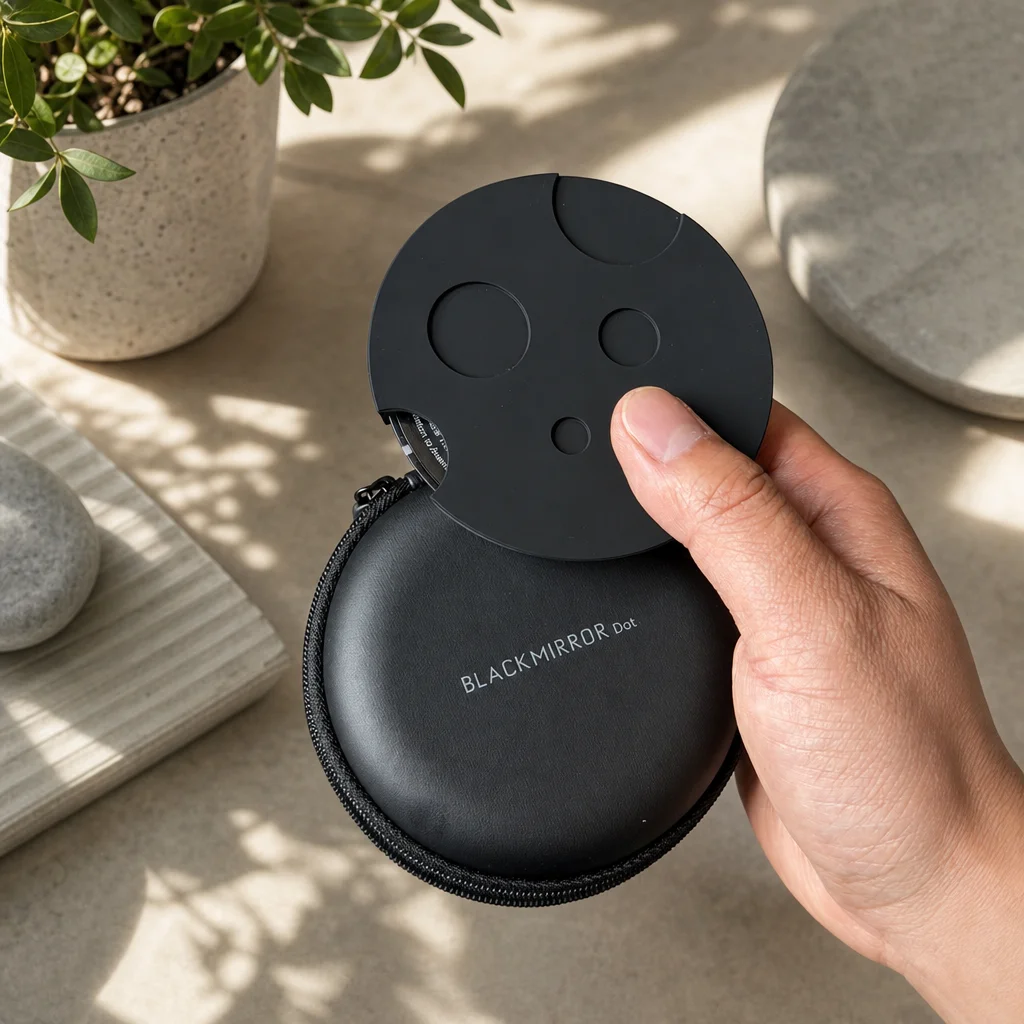

Get Started With TIMEMORE Dot Coffee Scale
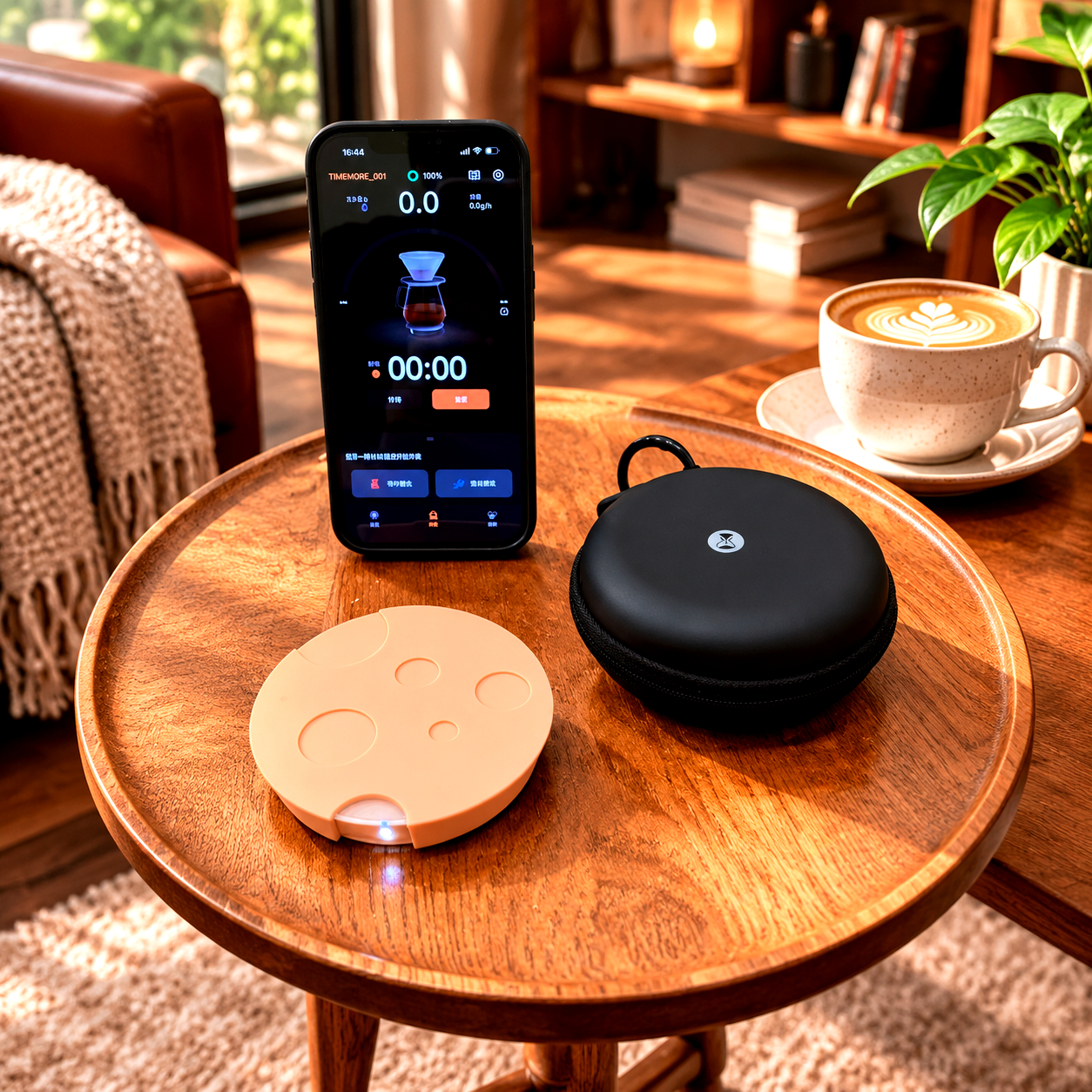
1. Scan the QR code on the bottom of your Dot scale to download the “TIMEMORE COFFEE” app.
2. Install the app and grant the required Location and Bluetooth permissions.
3. Press the power button on the bottom of the scale.
4. Open the app and connect the scale to your phone.
5. You're ready to Start brewing !